
Woodworking Accessories Tips
How to Use Cutter Radius Compensation (G41/G42) with CNC Radius Cutters
Feb
What Is Cutter Radius Compensation?
Cutter Radius Compensation allows the CNC machine to adjust the toolpath based on the cutter’s physical radius. Without this adjustment, the machine would follow the centerline of the programmed path, leading to undersized or oversized parts.
In G-code, radius compensation is handled with:
-
G41: Left-side compensation (tool remains to the left of the programmed path)
-
G42: Right-side compensation (tool stays on the right)
🧠 Think of it like this: You’re not just cutting along a line — you’re accounting for the physical space your tool occupies.
Why G41/G42 Are Crucial for Radius Cutters
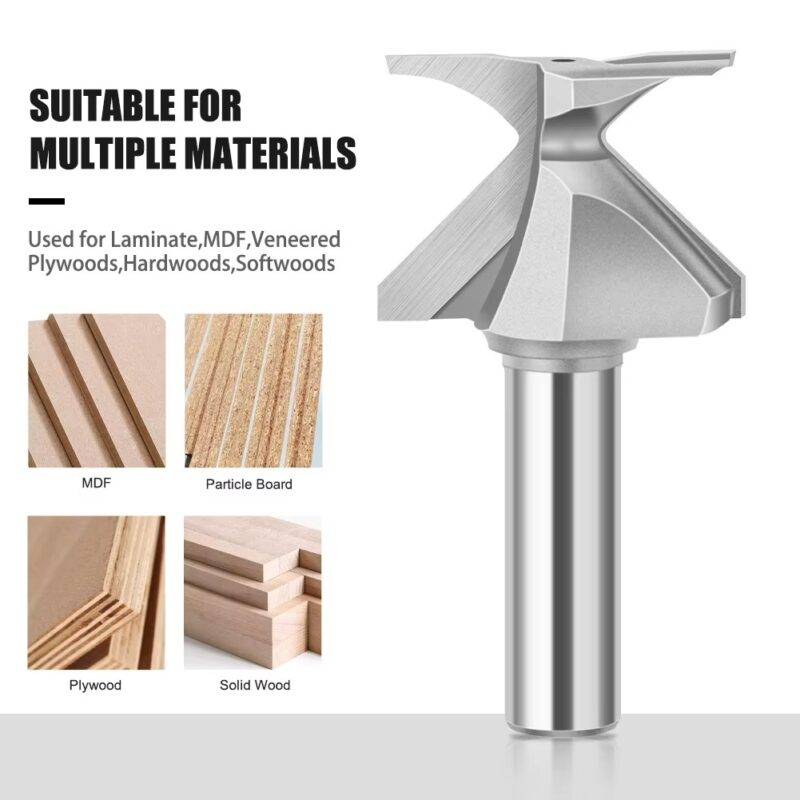
CNC radius cutters often feature a wide or curved profile, especially when used for arc-folding or forming operations on MDF, plywood, and laminated panels. Because the cutting edge isn’t straight, accurate compensation becomes even more critical than with flat end mills.
Without proper compensation:
❌ Your arcs may not follow the design curvature
❌ Inside and outside profiles may vary in size
❌ You may overcut or undercut — wasting material or ruining the workpiece
How to Implement G41/G42 in Your Program
Step-by-step:
-
Define the cutter offset in your tool table (e.g., D01 = 5mm radius)
-
Call the offset before beginning the cutting move:
-
Ensure a lead-in move: Compensation only activates after a movement (usually linear or arc)
-
Use G40 to cancel the compensation after the path is completed
Example:
Tips for Radius Cutter Compensation
✅ Start with a test cut on scrap wood
✅ Always check your tool radius is set correctly in the offset table
✅ Use smooth lead-in and lead-out paths to avoid sharp transitions
✅ Avoid using compensation in sharp corners — use arcs where possible
✅ Double-check the side (left/right) based on tool rotation and path direction
Common Issues & Troubleshooting
| Issue | Possible Cause | Fix |
|---|---|---|
| Overcut edges | G42 used instead of G41 | Swap code |
| No compensation effect | Missing lead-in move | Add G01 or G03 before cut |
| Wrong path offset | Radius not defined (D-code missing) | Define D value |
| Gouged corners | No arc transition | Add radius (R) to corners |
Final Thoughts
When paired with CNC Radius Cutters, proper application of G41/G42 radius compensation unlocks high-precision curved edge production, perfect for cabinet doors, decorative panels, and bent wood designs. Understanding how cutter radius compensation works — and how to use it — can save you hours of rework and deliver top-tier finishes on every job.
